

What improves when mesh is planned well
Weak spots identified first
We look at the rooms losing signal before deciding how the mesh should spread.
Node placement that makes sense
We position each unit around walls, floors and everyday device use.
Coverage checked after setup
We test the completed network around the property before handover.
When the broadband is fine but the WiFi is not
If your broadband is reasonable beside the router but poor in the rooms where you actually sit, the issue may be coverage rather than the incoming connection. Mesh WiFi can help by spreading the signal through a property in a more controlled way than a single router can manage on its own. With Sat-Comms, we look at where the weak spots are, how the building is laid out and what the network needs to support, so the finished setup is built around daily use rather than guesswork. That is especially useful in larger homes, multi-storey properties, extensions and awkward layouts where walls and floors break up the signal.
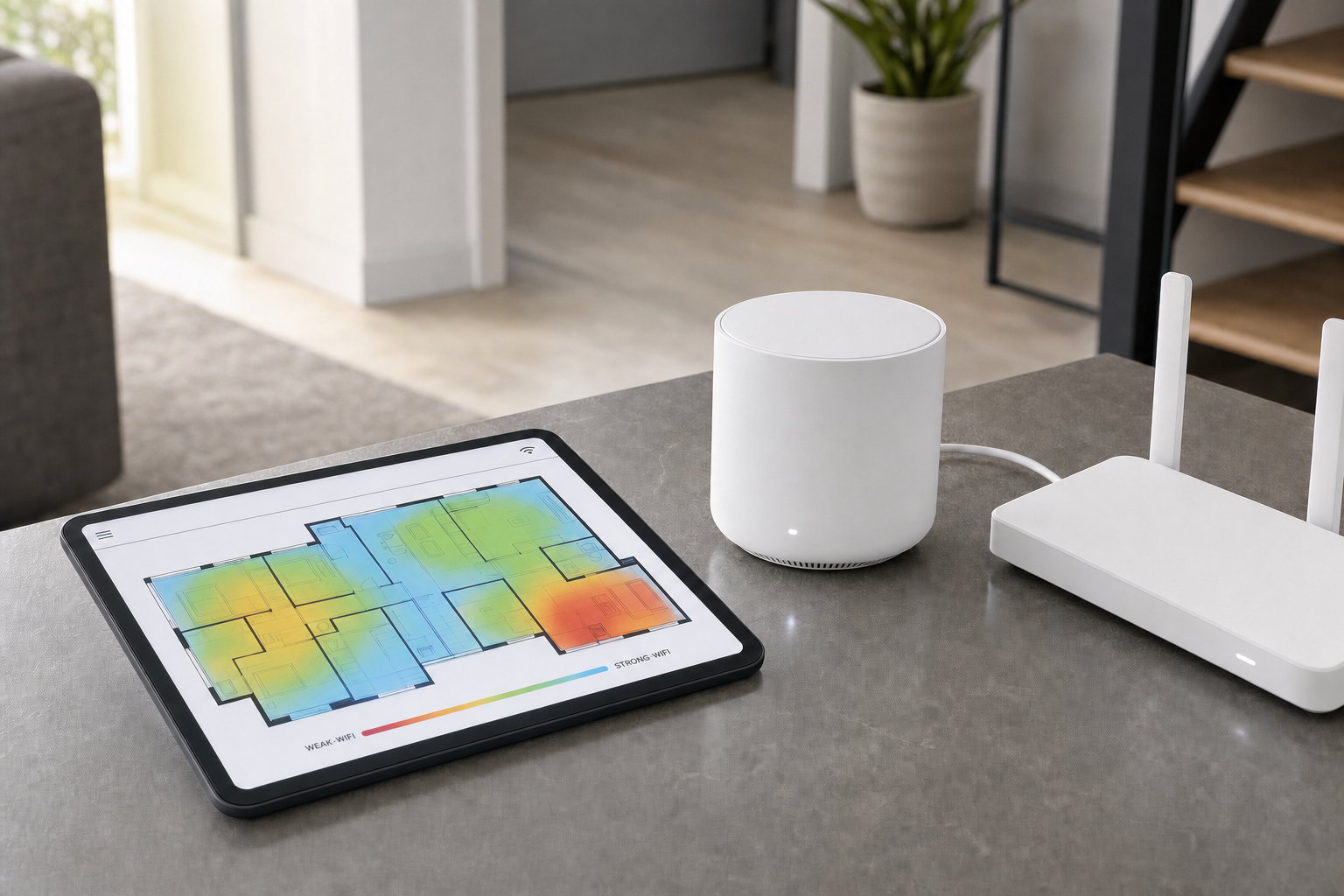
Placed around the property, not by chance
The number of nodes and where they go depends on more than floor area. We consider the router position, wall thickness, floor levels, room use and the devices that need a dependable connection. With Sat-Comms, we pair the nodes, configure the network and test coverage around the property once the system is in place. You get a clearer picture of what mesh can improve, where it is most useful and how connected devices should sit on the completed network.
Frequently asked questions
Will mesh WiFi fix slow broadband?
Mesh WiFi improves how the connection is distributed around the property. It does not create extra speed from a weak incoming service on its own. If the main issue is the source connection, we need to look at that as well as the indoor coverage.
How many mesh nodes does a property need?
That depends on the layout, the number of floors, wall thickness, the router position and the rooms that need reliable coverage. We judge the number and placement from the property itself rather than guessing from a box or a floor area alone.
Do you test coverage in the rooms that matter?
Yes. Once the system is paired and configured, we check how it performs in the areas that have been causing trouble. That gives you a clearer idea of where the mesh has improved the signal and whether any further network changes are worth considering.